RELEASE 1.6.3 · JULY 30, 2026
A desktop Minecraft launcher built for the moments after you click Play.
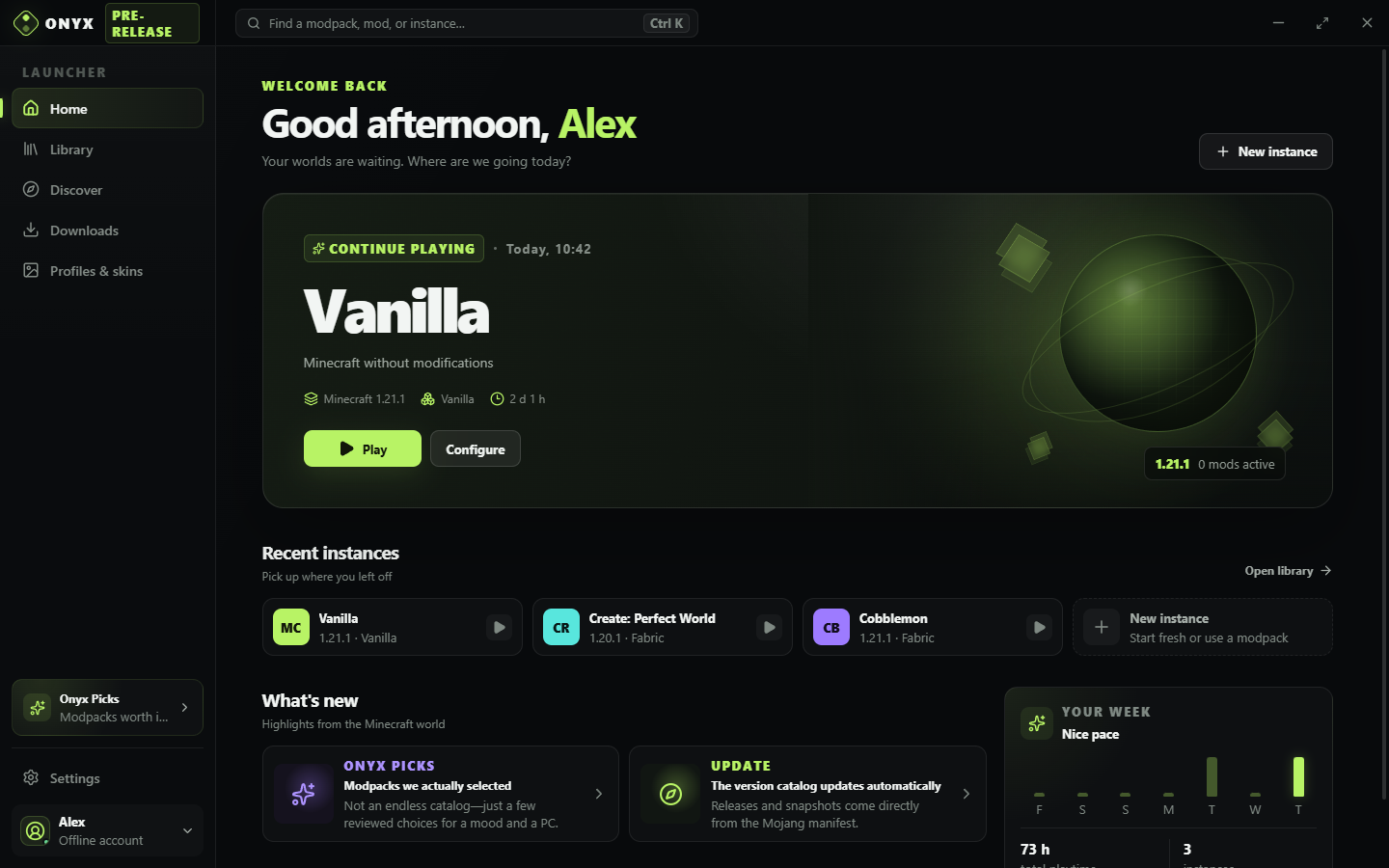
Onyx Launcher is an open-source Windows and Linux app for isolated instances, Modrinth content, automatic Java, actionable crash diagnostics, and safer world backups.
Why build another Minecraft launcher?
Installing a game is the easy part. The friction appears later: one modpack needs a different Java version, a loader update breaks a working instance, a world changes after an experiment, or a crash log says plenty without explaining what to try next.
Onyx treats those operational details as the product. Every Minecraft instance keeps its own worlds, mods, loader, memory, Java, and launch settings. That separation makes experiments easier to understand and reduces the chance that a change intended for one pack quietly affects another.
A focused daily workflow
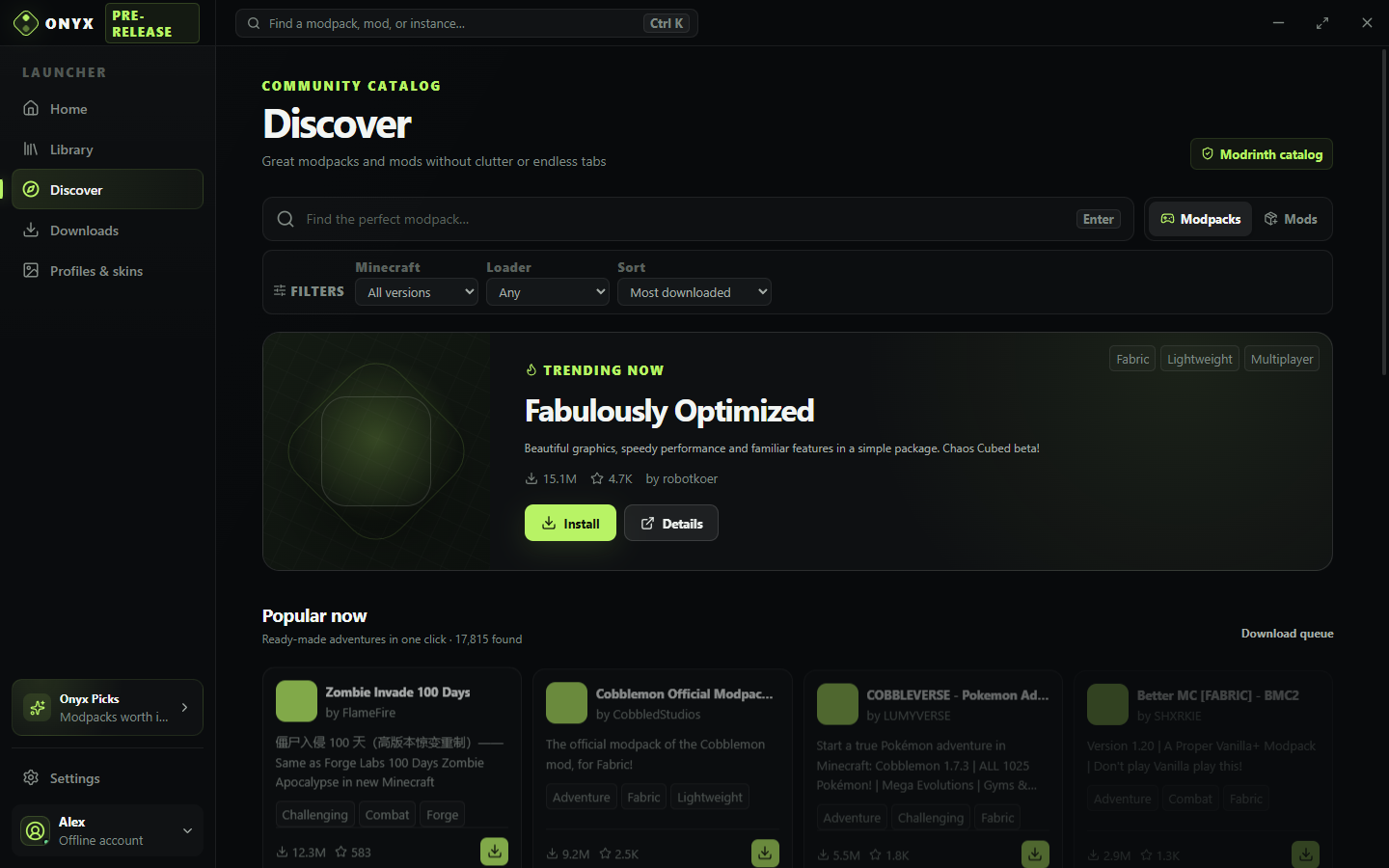
The launcher supports Vanilla, Fabric, Quilt, Forge, and NeoForge. Modrinth discovery lives beside the instance library, so a player can inspect content, install it, and return to the same instance context. Onyx also chooses an appropriate Eclipse Temurin runtime instead of requiring users to match Java generations by hand.
Crashes should lead to a next step
Onyx collects launch output and presents it as a diagnostic path, not just a wall of text. Crash Bisect can help narrow down a problematic content set, while performance recordings make slow or unstable sessions easier to investigate. Those tools are designed to preserve evidence before a user starts changing things.
World snapshots, controlled restoration, portable backups, and operating-system trash provide a second line of defense. They do not replace a proper backup strategy, but they make common modding mistakes less destructive.
Quick start
Windows users can choose the installer or a portable executable. Linux users can run the AppImage directly or download the portable tar.gz archive. The release includes separate SHA-256 checksum files for both platforms.
chmod +x Onyx-Launcher-1.6.3-x86_64.AppImage
./Onyx-Launcher-1.6.3-x86_64.AppImagescoop bucket add onyx https://github.com/lonestill/scoop-onyx
scoop install onyx/onyx-launcherClear trust boundaries
The source code, issue tracker, release history, and build workflows are public under the MIT license. Onyx uses Microsoft's device-code flow, so the launcher does not receive a player's Microsoft password. It does not redistribute Minecraft, bypass its license, or claim affiliation with Microsoft, Mojang Studios, or Modrinth.
Windows builds are currently unsigned, so Microsoft SmartScreen may show a warning. Verify the published checksum before running a download. A licensed Microsoft account is required for the full Minecraft: Java Edition experience; the official demo can run without an account.