Onyx Probe: In-Engine FPS & 1% Lows
A built-in Java agent hooks LWJGL/GLFW directly at bytecode level. Collects nanosecond-accurate frame times, average FPS, and stutters without external overlays or tools on macOS, Windows, and Linux.
A fast, open-source launcher built with React and Electron. Featuring in-engine telemetry via Onyx Probe, zero-overhead Ghost Mode, native Modrinth browsing, and safe world backups.
MIT licensed · SHA-256 verified · 54 test suites · 100% Free & Open Source
BUILT FOR REAL PERFORMANCE
Onyx is engineered to give you complete visibility into game performance and mod stability without slowing down your system.
A built-in Java agent hooks LWJGL/GLFW directly at bytecode level. Collects nanosecond-accurate frame times, average FPS, and stutters without external overlays or tools on macOS, Windows, and Linux.
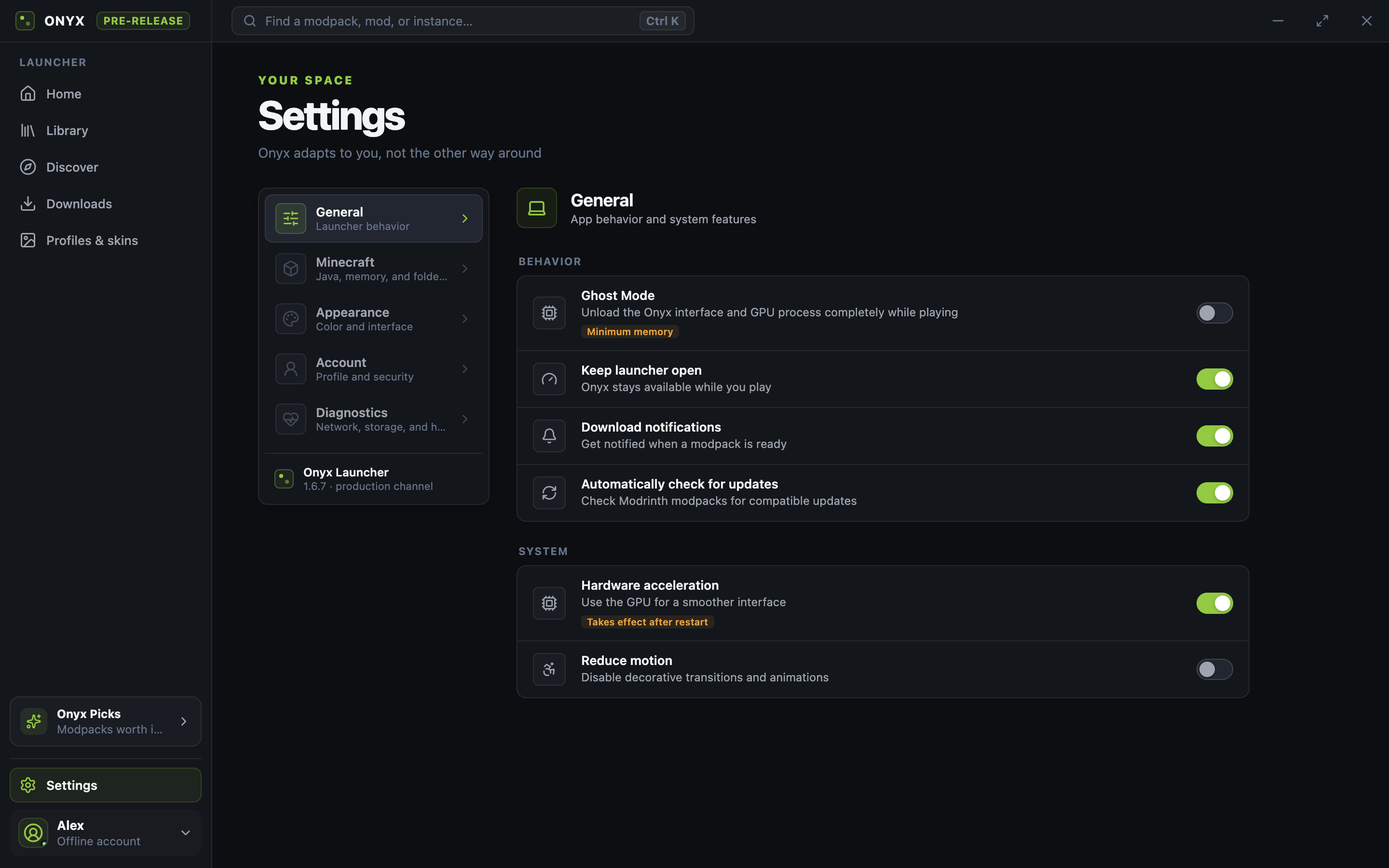
When Minecraft launches, Onyx releases its window, renderer, and GPU process from RAM. Zero unnecessary memory or CPU cycles consumed while you play.
Smooth download progress, moving-average transfer rate in MB/s, and accurate completion estimates for large modpacks, assets, and runtimes.
Browse, install, and update modpacks and mods with one click. Native isolated support for Fabric, NeoForge, Forge, Quilt, and Vanilla.
Automatic log analysis, memory tracking, GC pause detection, and Crash Bisect to identify conflicting mods across controlled launches.
Automatic safety snapshots before dangerous operations, OS trash integration, and transactional mod profile rollbacks to keep saves safe.
A CLEAN INTERFACE
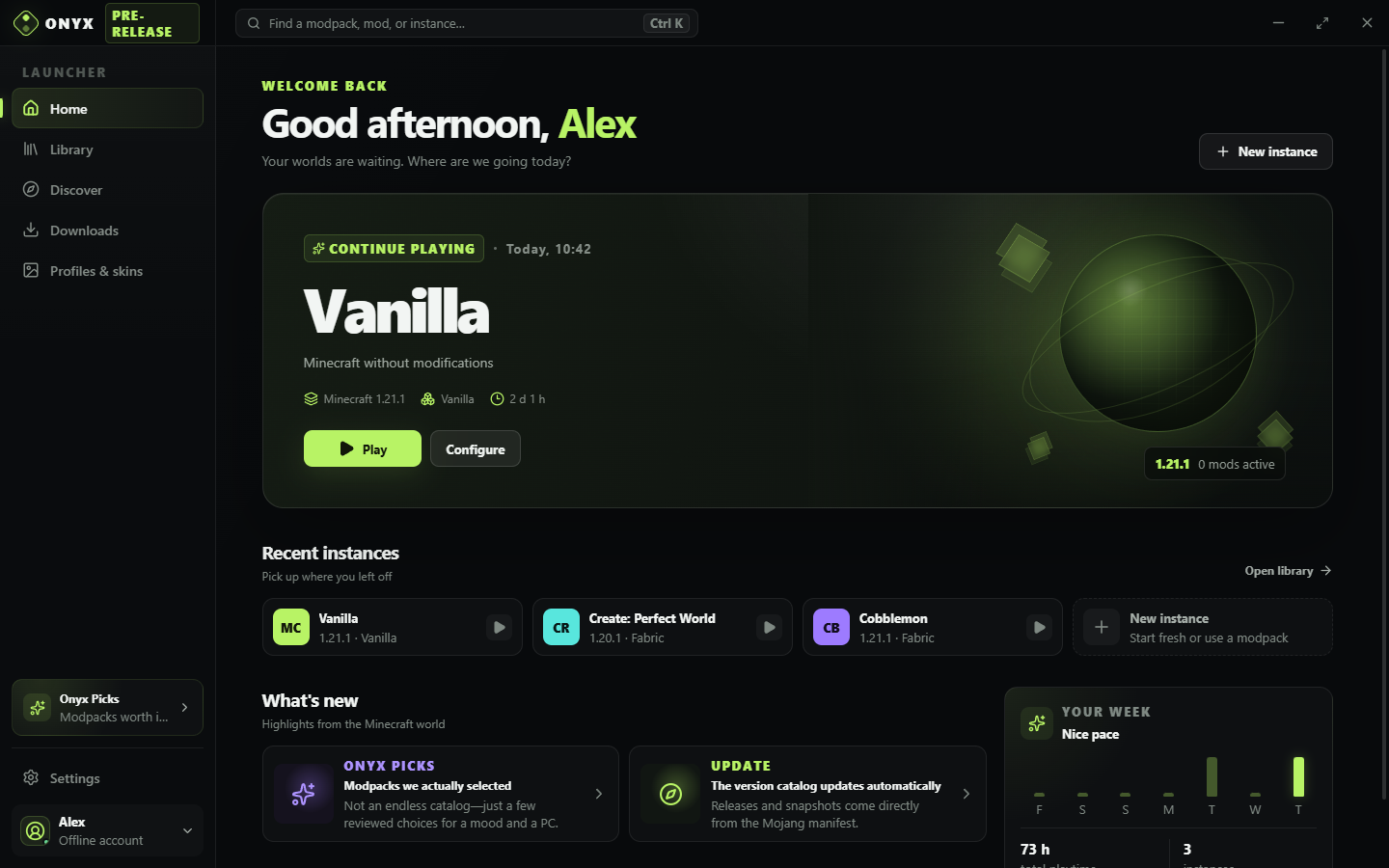
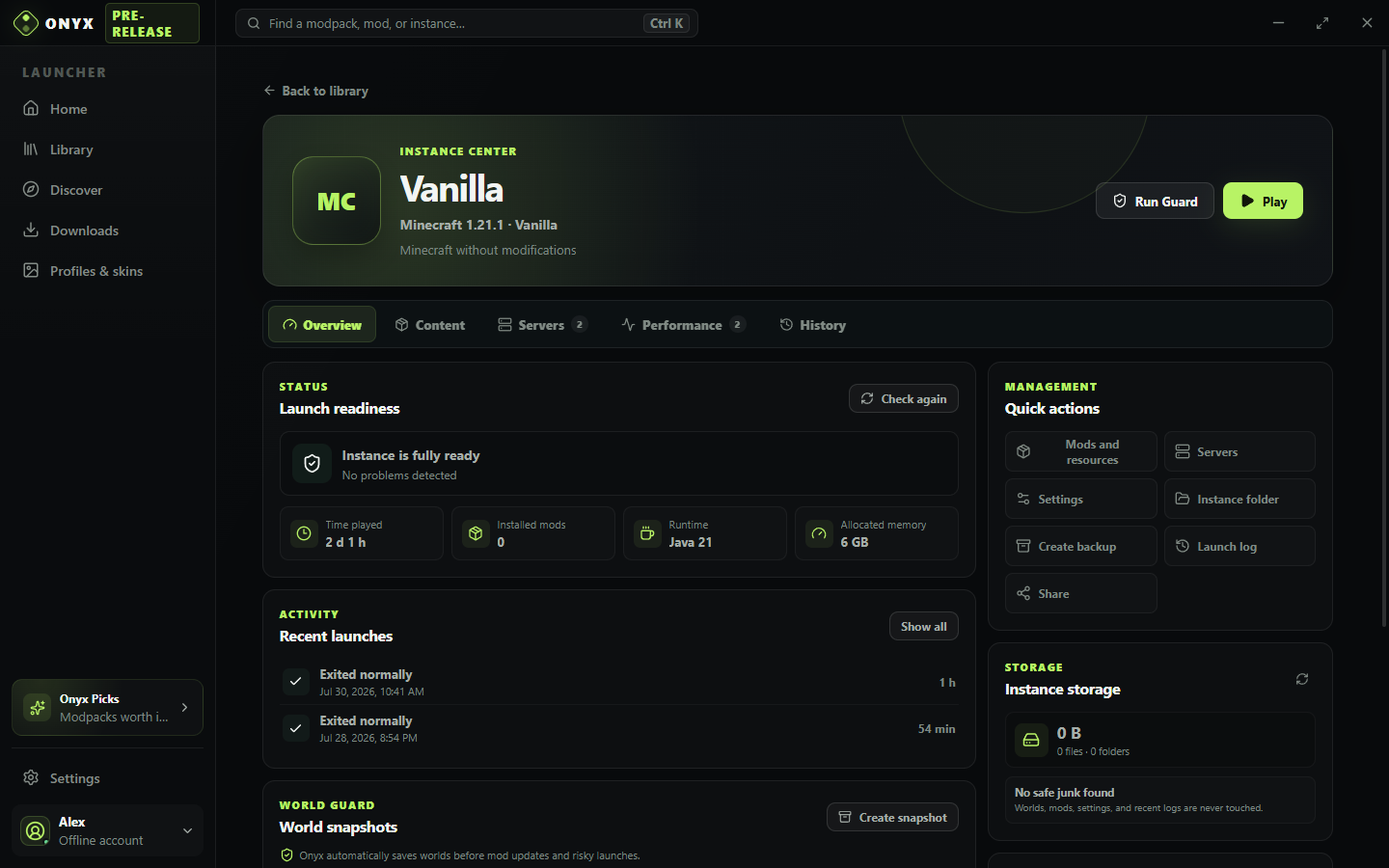
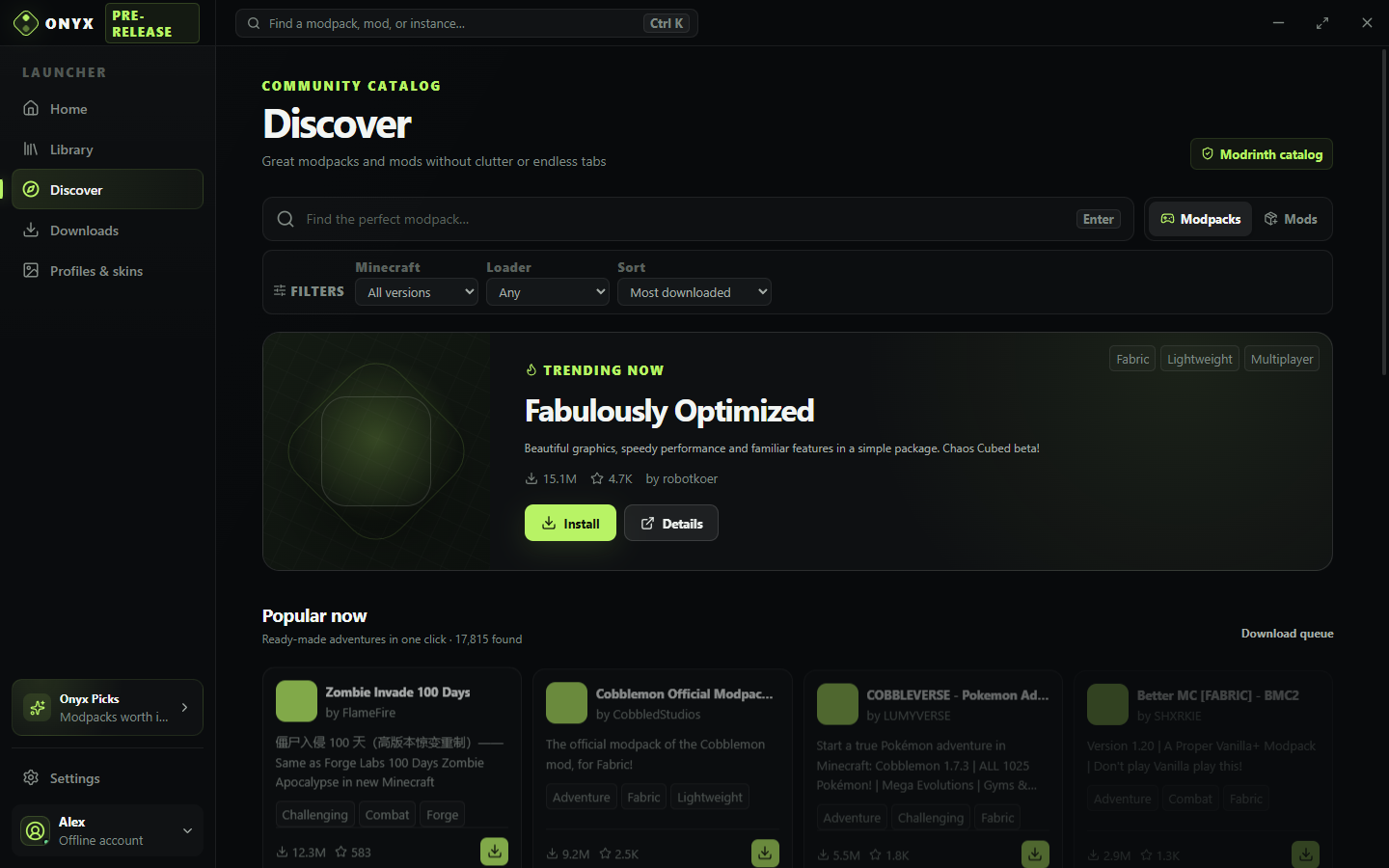
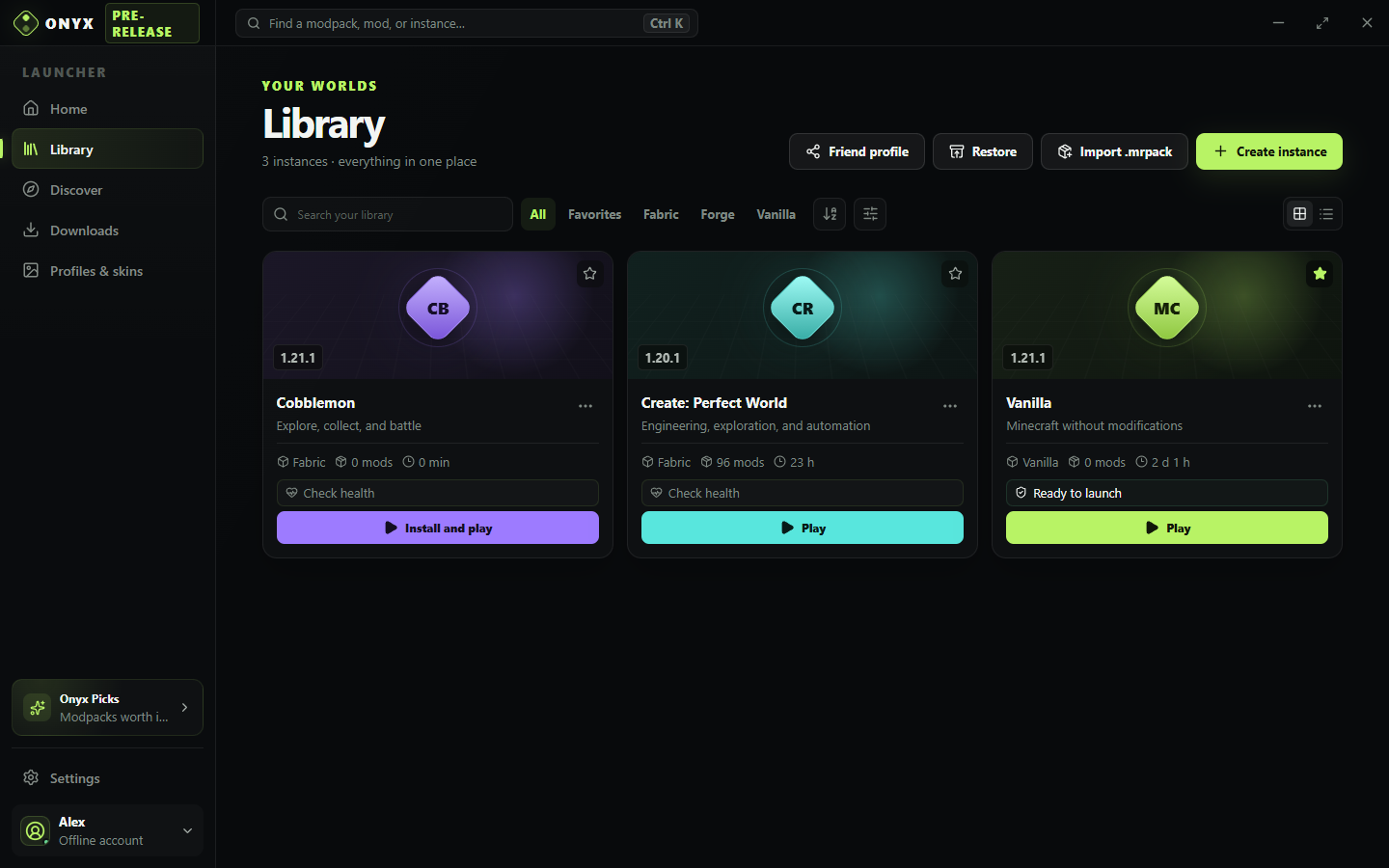
Compact, fast, and responsive: instances, modpacks, performance curves, and instance recovery are always one click away.
DIAGNOSTICS, NOT GUESSWORK
Onyx continuously monitors JVM health and presentation timing. Identify memory leaks, micro-stutters, and conflicting mod IDs in seconds.
instance       Better Adventures
minecraft      1.21.1
loader         Fabric 0.16.10
java           Temurin 21.0.7
probe          Onyx Probe (GLFW hooked)
memory         6144 MB
world guard    snapshot ready
mod scan       148 checked

✓ no blocking conflicts found
→ ready to launch (Ghost Mode armed)
BEFORE YOU DOWNLOAD
Platform support, Java, licensing, integrity, and storage explained upfront.
Onyx bundles an in-house lightweight Java agent called Onyx Probe. When FPS capture is enabled, it instruments GLFW and LWJGL frame swaps at runtime, measuring nanosecond-precise frame intervals without requiring external software like PresentMon or MangoHud.
When Minecraft launches, Ghost Mode automatically unloads the Onyx window, WebContents, and GPU processes from system memory. This ensures 100% of your RAM and GPU headroom remains available for Minecraft shaders and heavy modpacks.
No. Onyx automatically detects, downloads, and isolates the appropriate Eclipse Temurin runtime (Java 8, 17, or 21) required for your specific Minecraft version and mod loader.
Download the AppImage, make it executable, and run it. Alternatively, download the .deb or .rpm package for your Linux distribution.
chmod +x Onyx-Launcher-1.6.18-x86_64.AppImage && ./Onyx-Launcher-1.6.18-x86_64.AppImageYou can sign in securely with your Microsoft account via OAuth Device Flow (Onyx never handles your password). Offline mode with custom skin support is also available for offline play.
Yes. Every GitHub Release publishes SHA-256 checksums alongside every binary, and all builds are compiled transparently through public GitHub Actions CI.
DOWNLOAD ONYX 1.6.18
Installer setup for automatic integration, or standalone portable executable.
Download installer ↘Portable .exeInstall with ScoopRun universal AppImage directly, or install via native packages.
Download AppImage ↘Debian / Ubuntu (.deb)Fedora / RHEL (.rpm)Portable .tar.gzInspect the code, verify CI build workflows, or contribute a feature.
View on GitHubv1.6.18 Checksums & notesGood first issuesContributing guideWindows builds are currently unsigned, so SmartScreen may show a warning. Verify the published SHA-256 checksum before running.